
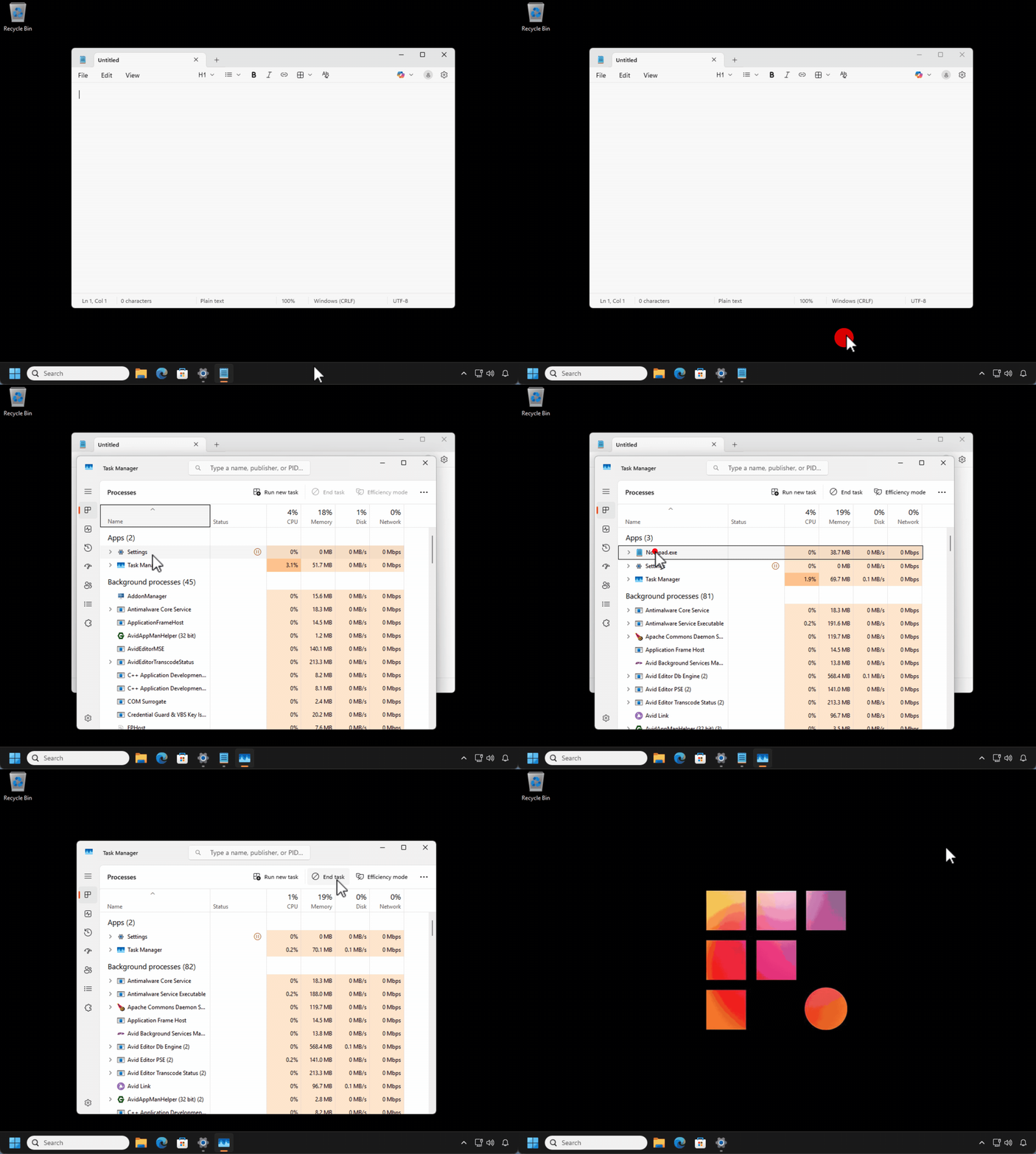
If an application on your remote workstation is not responding, you may force quit it using the Windows Task Manager.
- Right-click on the taskbar and select Task Manager
- Select the application that is not responding and select End Task
If the problematic application fails to start after force-quitting, try restarting your workstation.
If it still doesn't start, Contact Support.